Disruptions, on the track
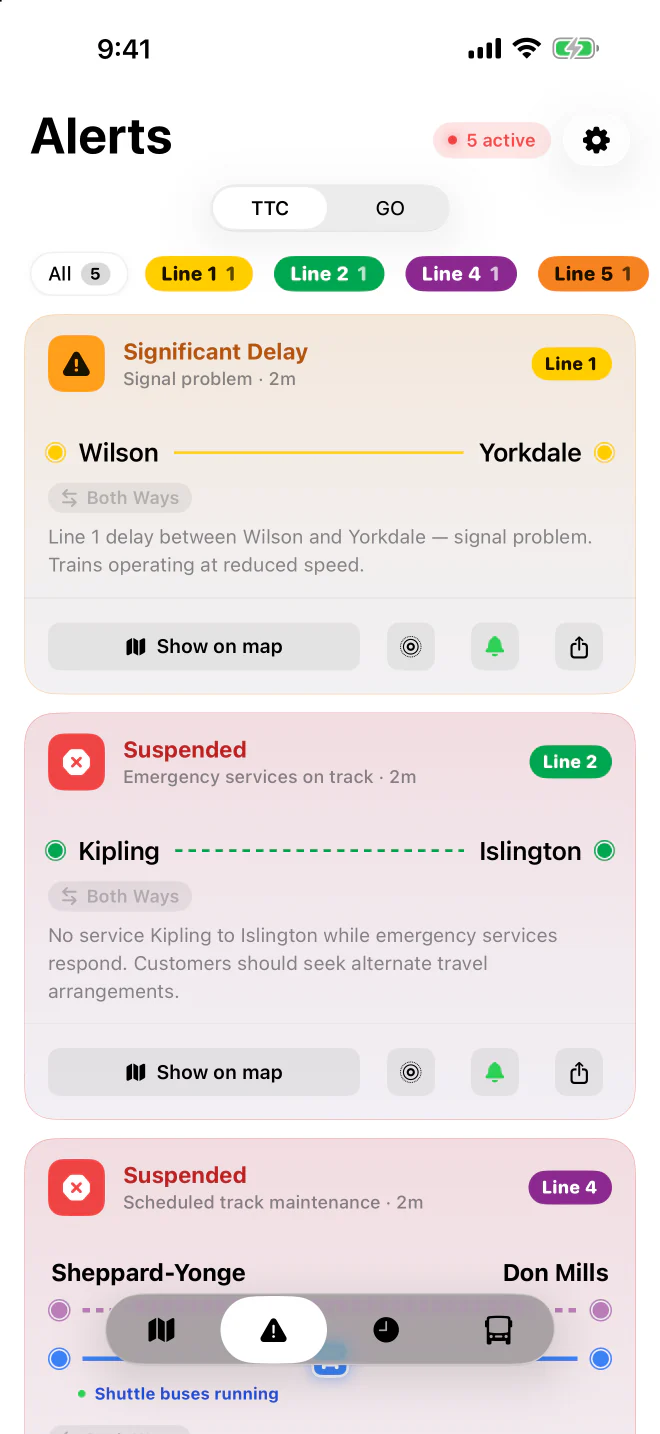
Every TTC subway and GO Transit delay drawn on the exact stretch it affects, in the direction it runs.
 SubwayStatus

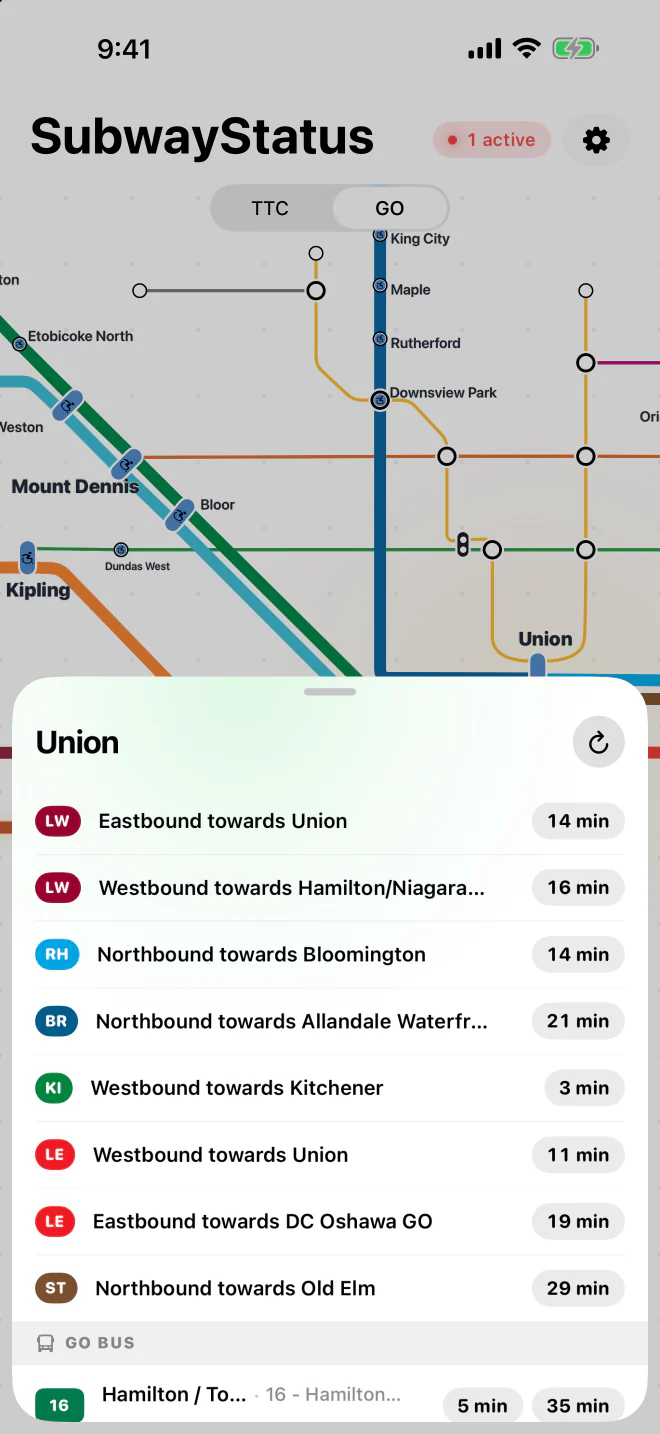
Live TTC and GO disruptions on the map, the next train or bus at every stop, and your commute on your Lock Screen the moment you leave.
For iPhone and iPad, iOS 17 or later.

Point your camera at the code to open the app on the App Store.
Or open the App Store page →Free. For iPhone and iPad, iOS 17 or later.
The website does everything the map does, in any browser. In Chrome, tap ⋮ then Add to Home screen to keep it one tap away.
Open the live map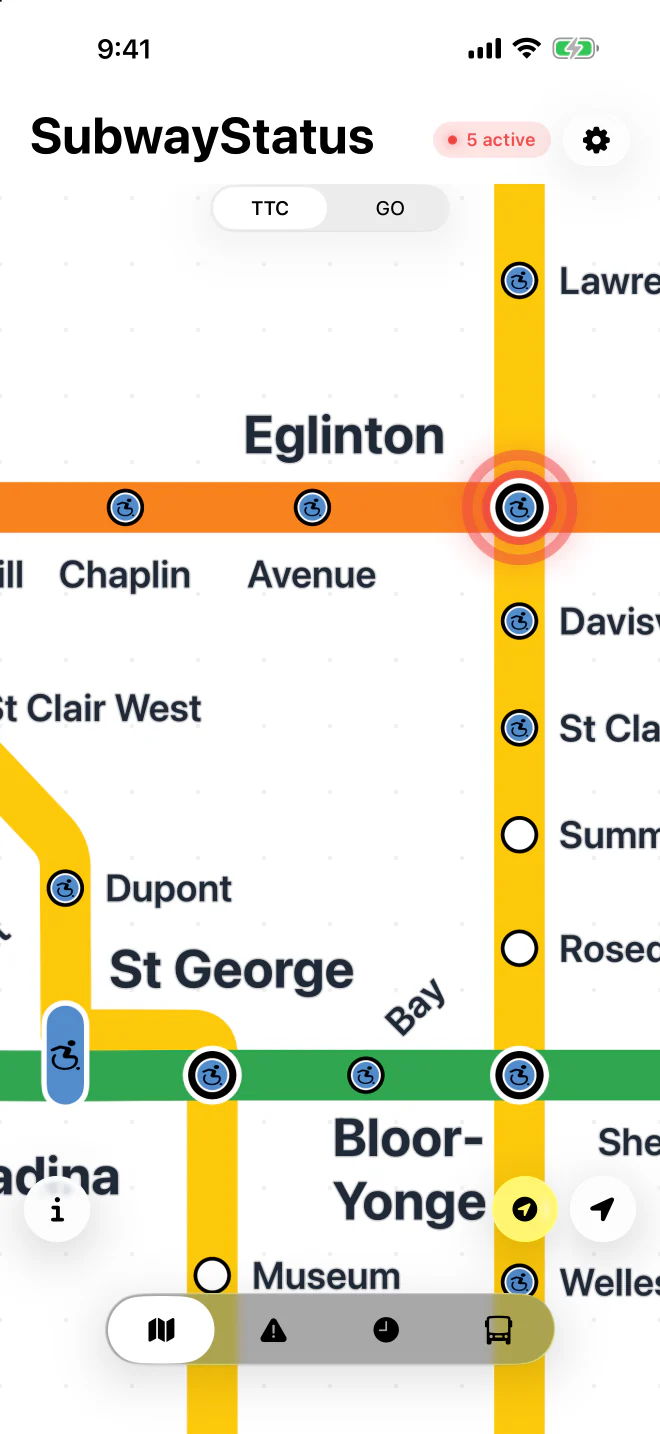
Every TTC subway and GO Transit delay drawn on the exact stretch it affects, in the direction it runs.
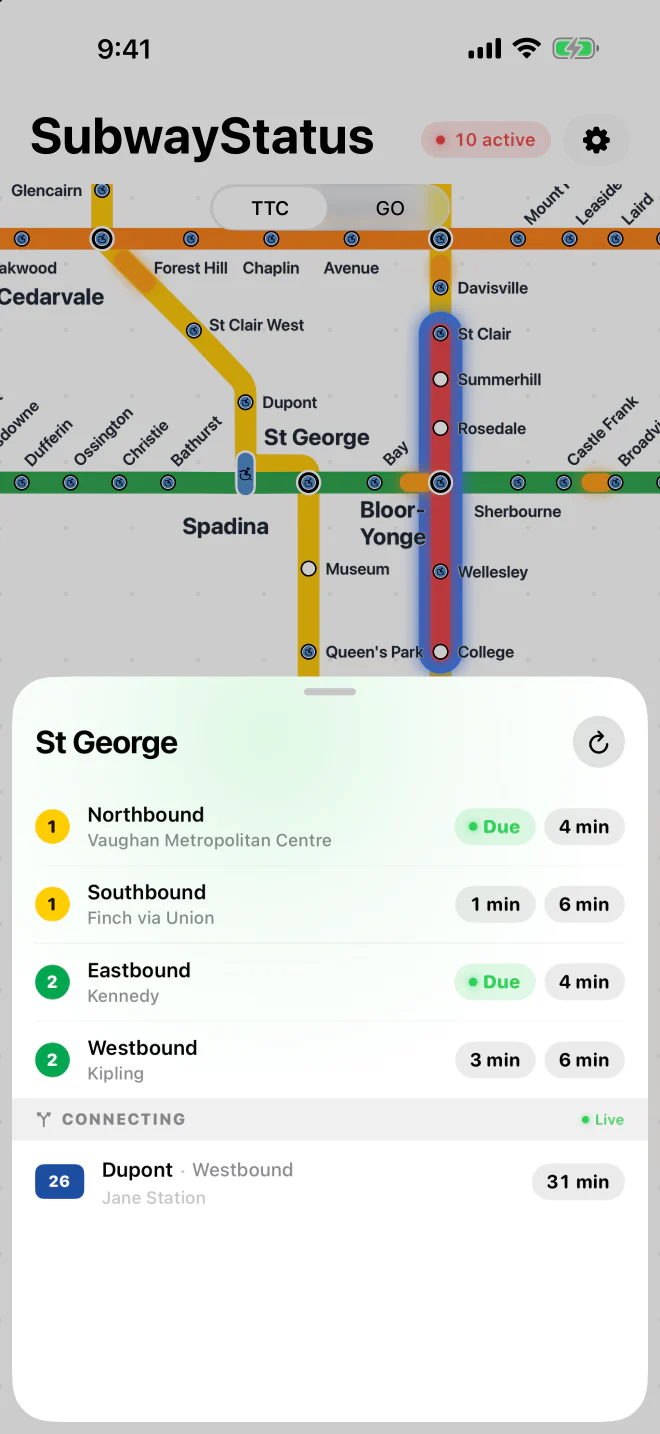
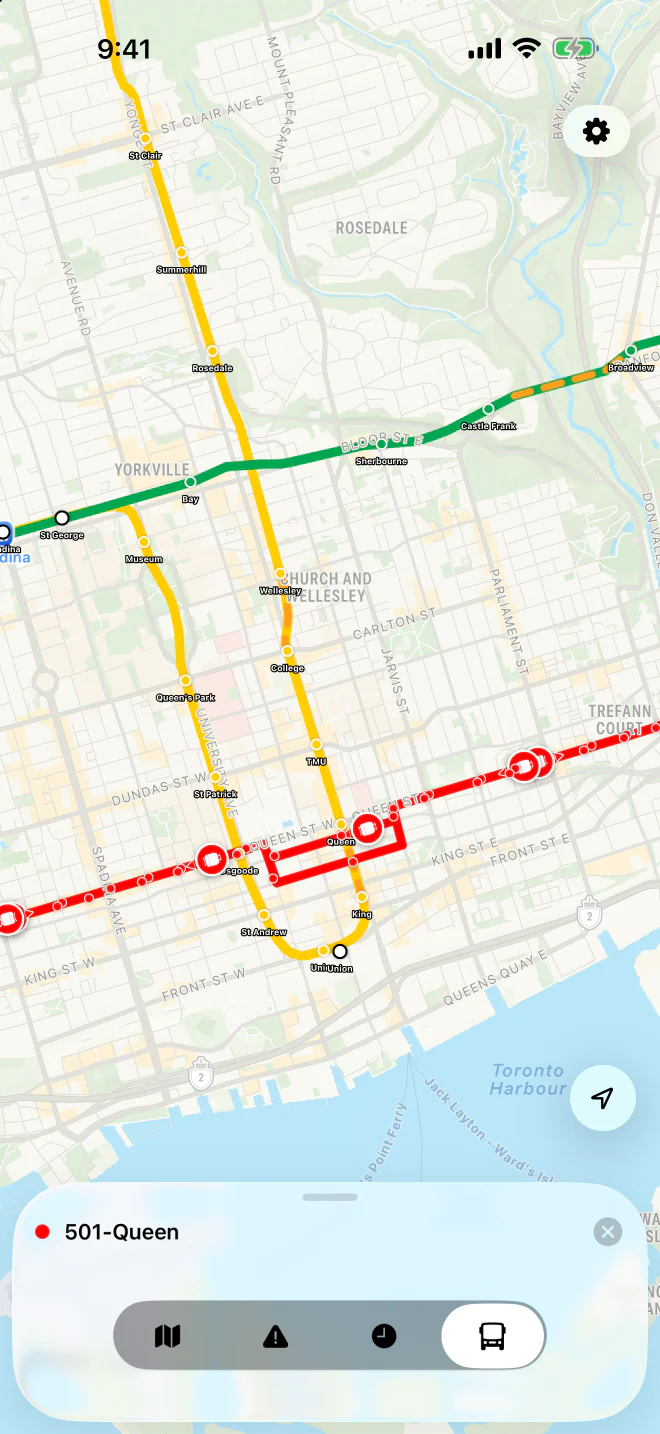
Trains at every station, buses and streetcars at every stop, GO departures. Tap a time for a Live Activity countdown.
Pick where you go and when you leave. At that time, your bus and train times appear on the Lock Screen by themselves.
A notification when a disruption starts on a line you ride, and when service is back.
Your lines' status at a glance, without opening anything. With Pro, it follows just your routes.
Live alerts for your lines on your wrist, and your countdowns in the Smart Stack.
The app is free. SubwayStatus Pro is a one-time purchase in the app: no subscription.
Free on the App Store. The live map also works in any browser.