

Live Activities & Dynamic Island
A countdown to your next departure, on your Lock Screen and in the Dynamic Island.
Toronto · TTC · GO · UP Express
Live TTC and GO Transit disruptions, drawn on the exact stretch of track they affect. Free in any browser, and on iPhone in beta.
iPhone beta through Apple TestFlight · App Store coming soonOn the App Store for iPhone
01 — How it reads
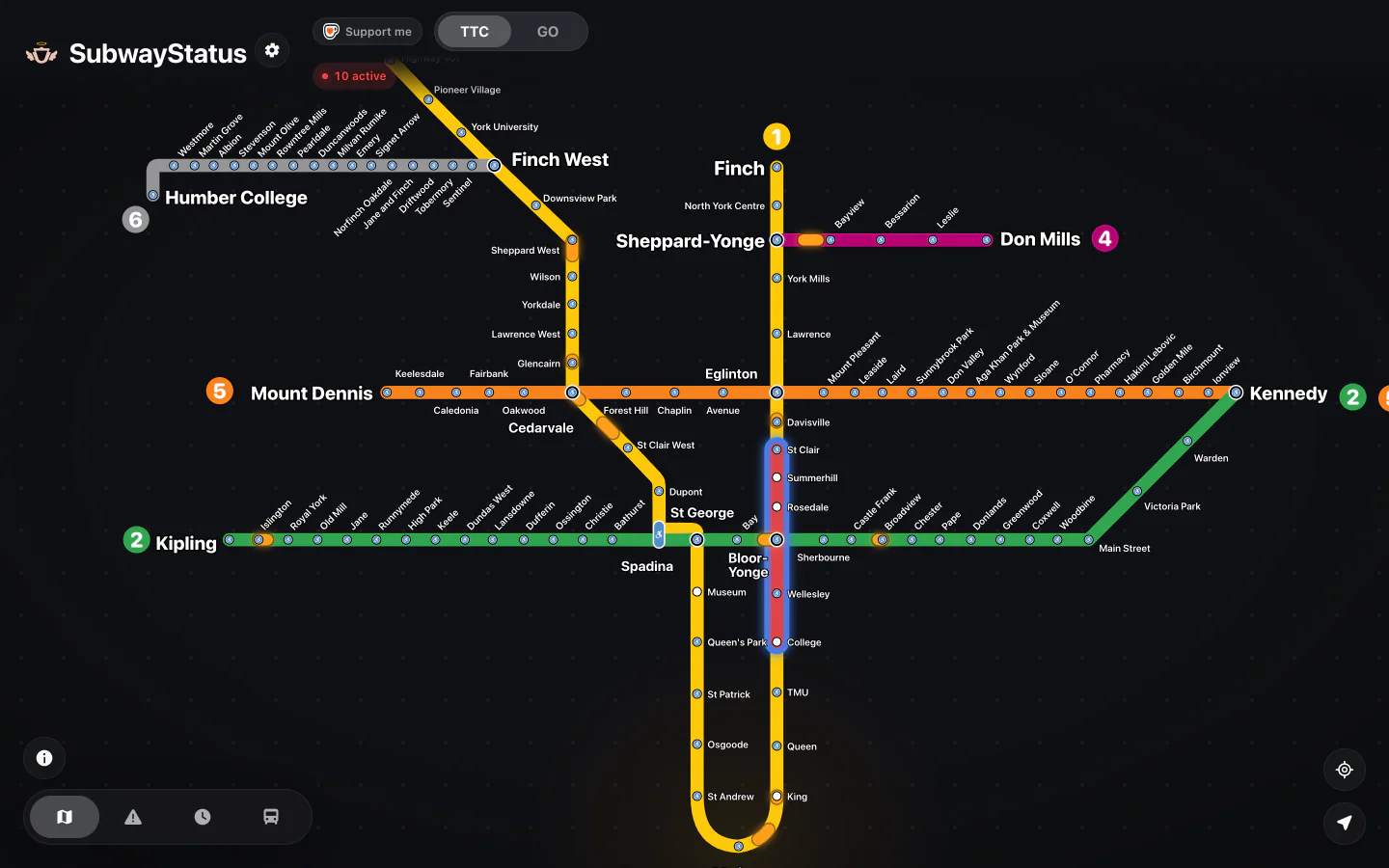
Line 1. Thirty-eight stations. Which ones are you riding?


Illustration. What’s happening right now is on the board below.
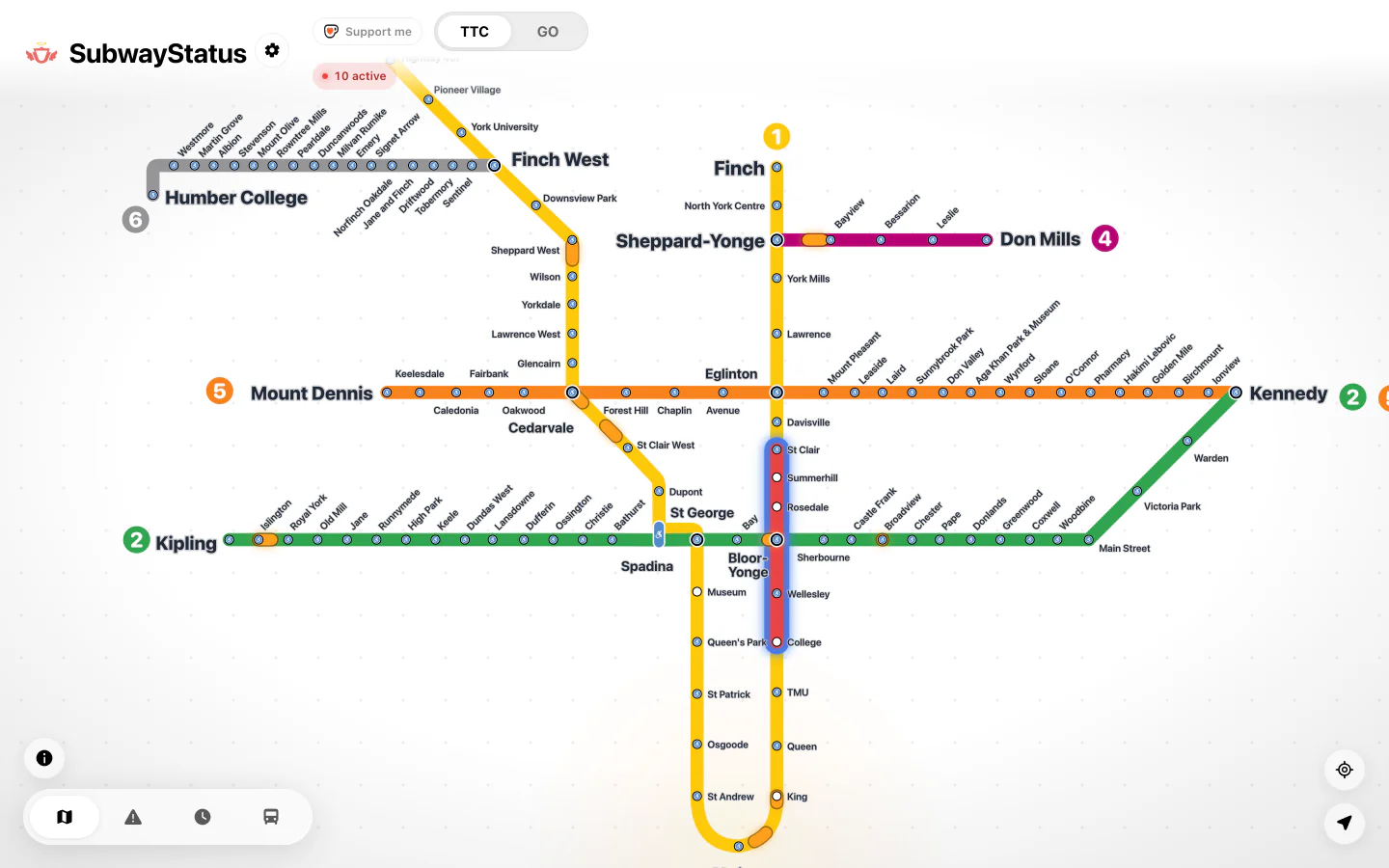
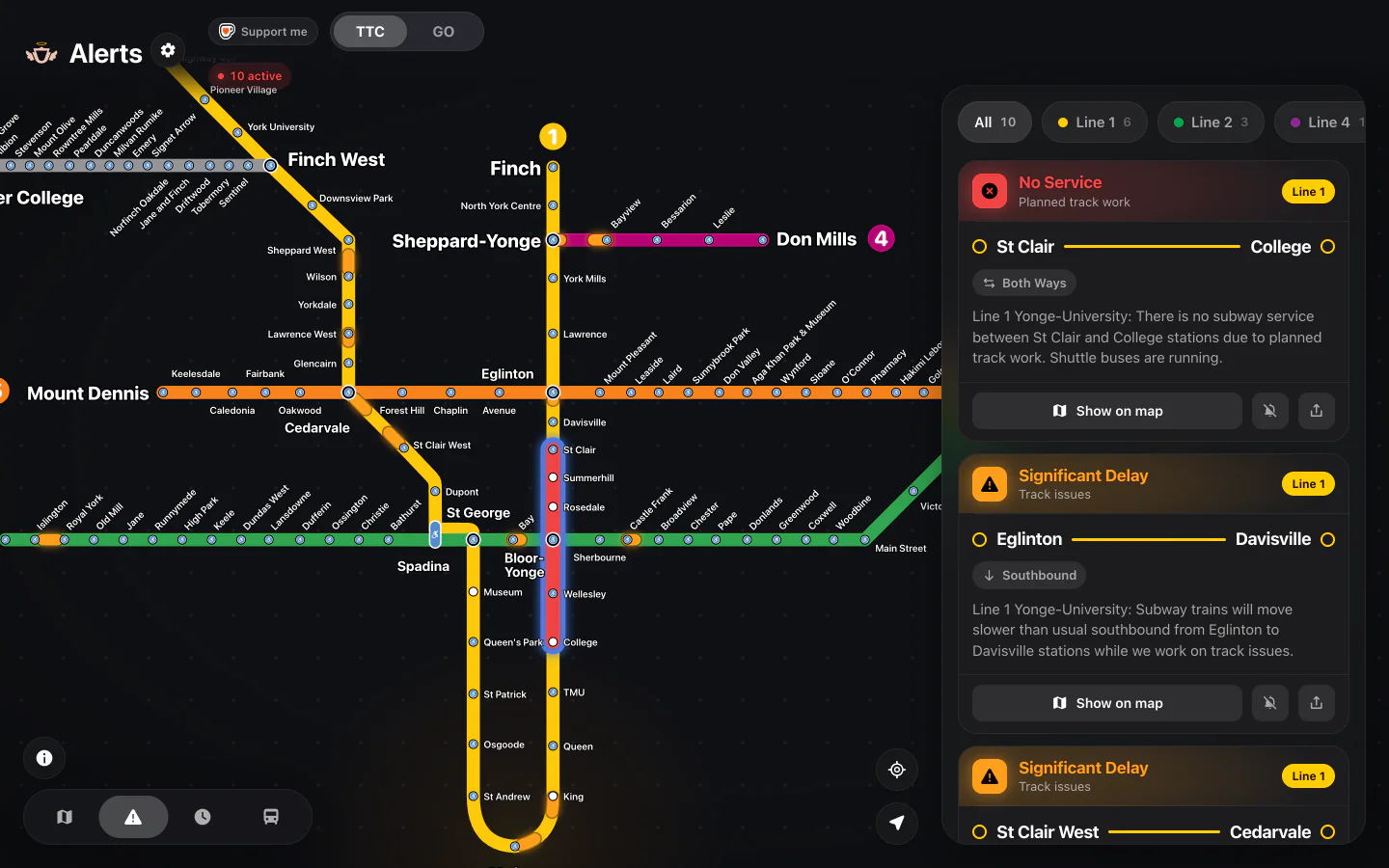
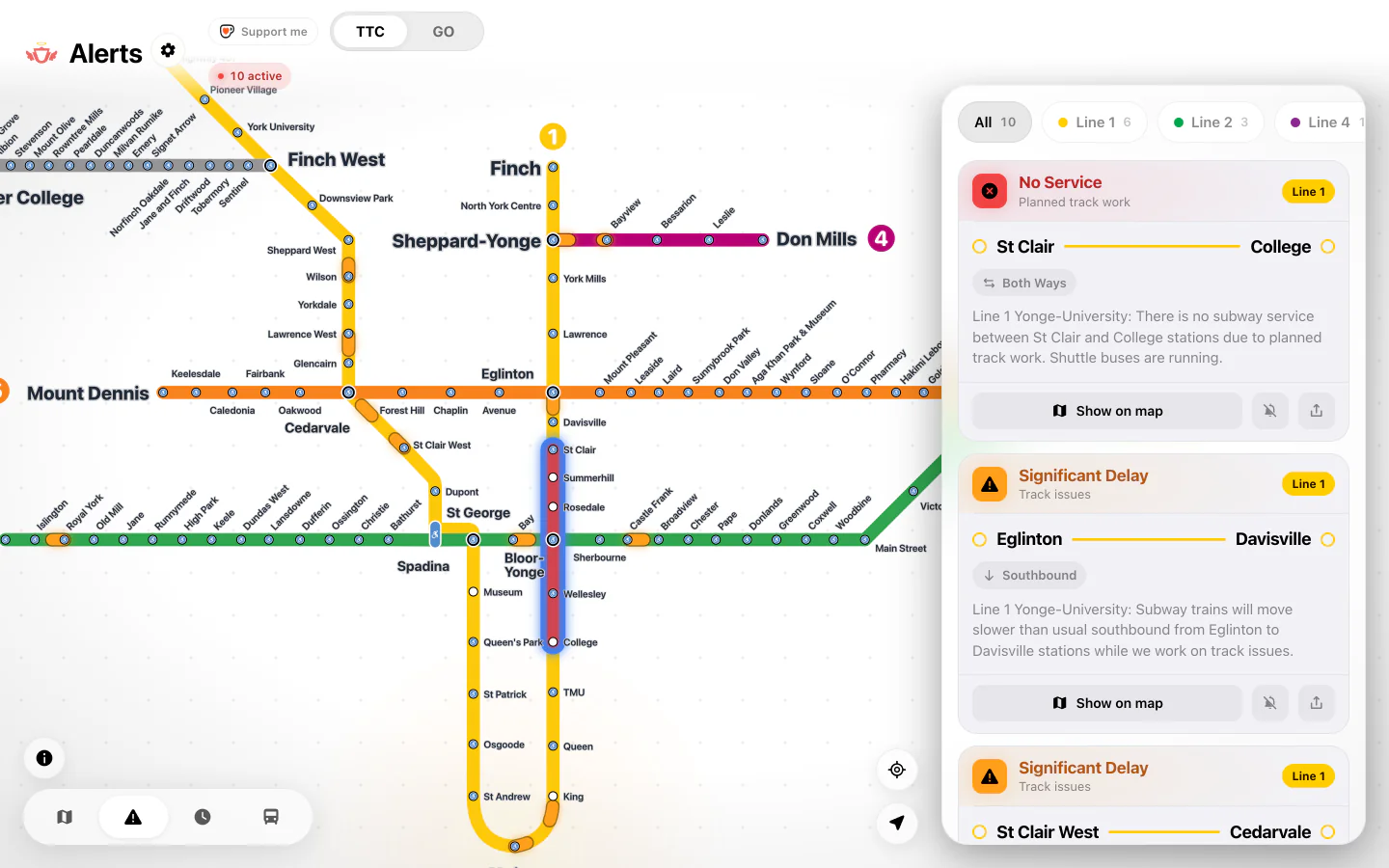
SubwayStatus reads each TTC and GO Transit alert, works out the line, the stations and the direction, then paints only that stretch: red where there’s no service, amber where it’s slow. If shuttle buses are running, the alert says so.
SubwayStatus reads each TTC and GO Transit alert, works out the line, the stations and the direction, then paints only that stretch: red where there’s no service, amber where it’s slow. If shuttle buses are running, the alert says so.
02 — Live now
Straight from the feed behind the app. It refreshes every minute while you’re watching.
| Line | Between | Stretch | Direction | Status |
|---|---|---|---|---|
Loading live alerts…Live alerts couldn’t load here. Open the live map for what’s running now. |
||||
03 — In your hand


Screen recording: pinching into a closed stretch on the TTC map, scrolling the alert list, tapping a station to see its next trains, filtering by line, opening the buses panel and choosing a route, then its vehicles moving on the map.
04 — What’s inside
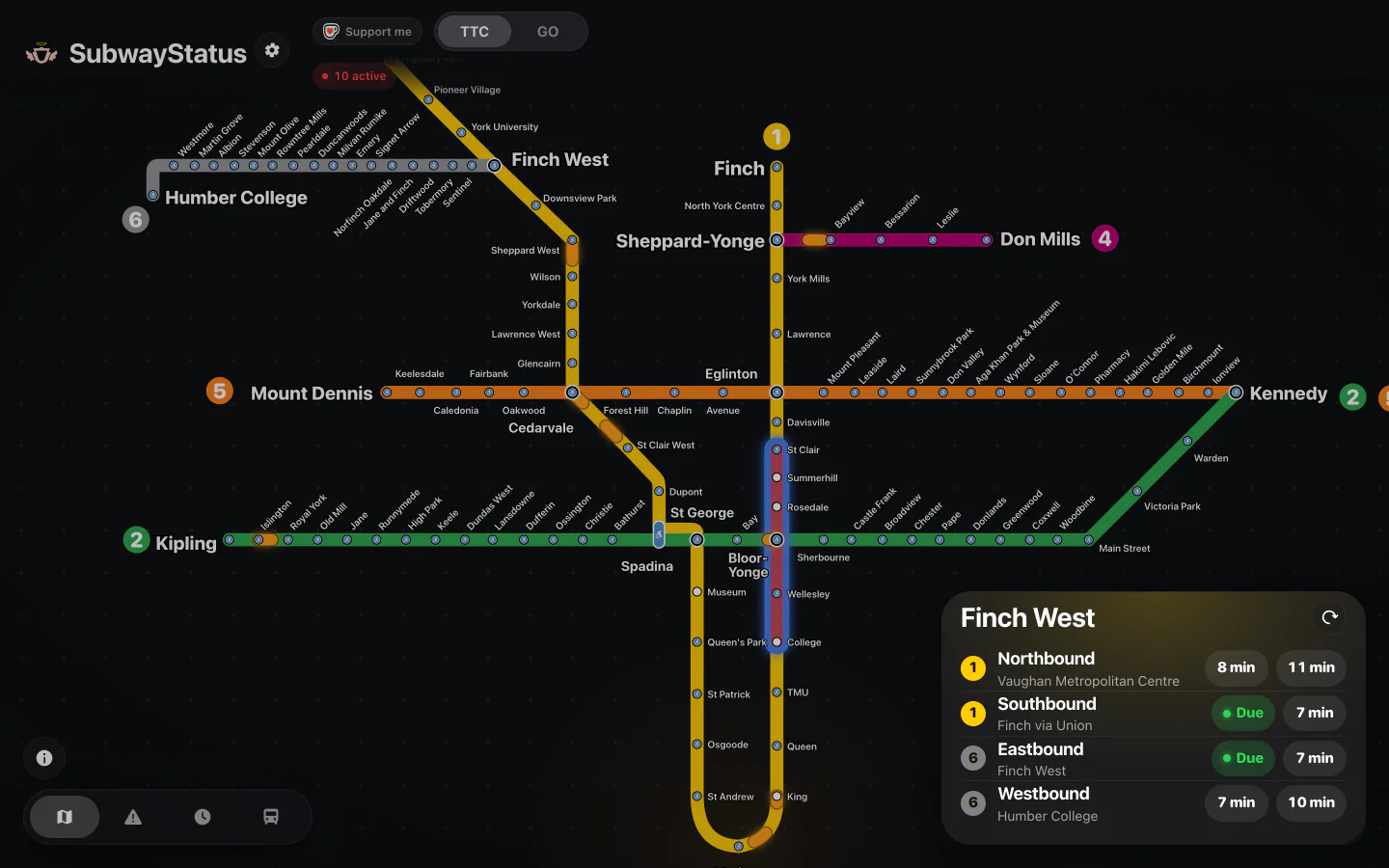
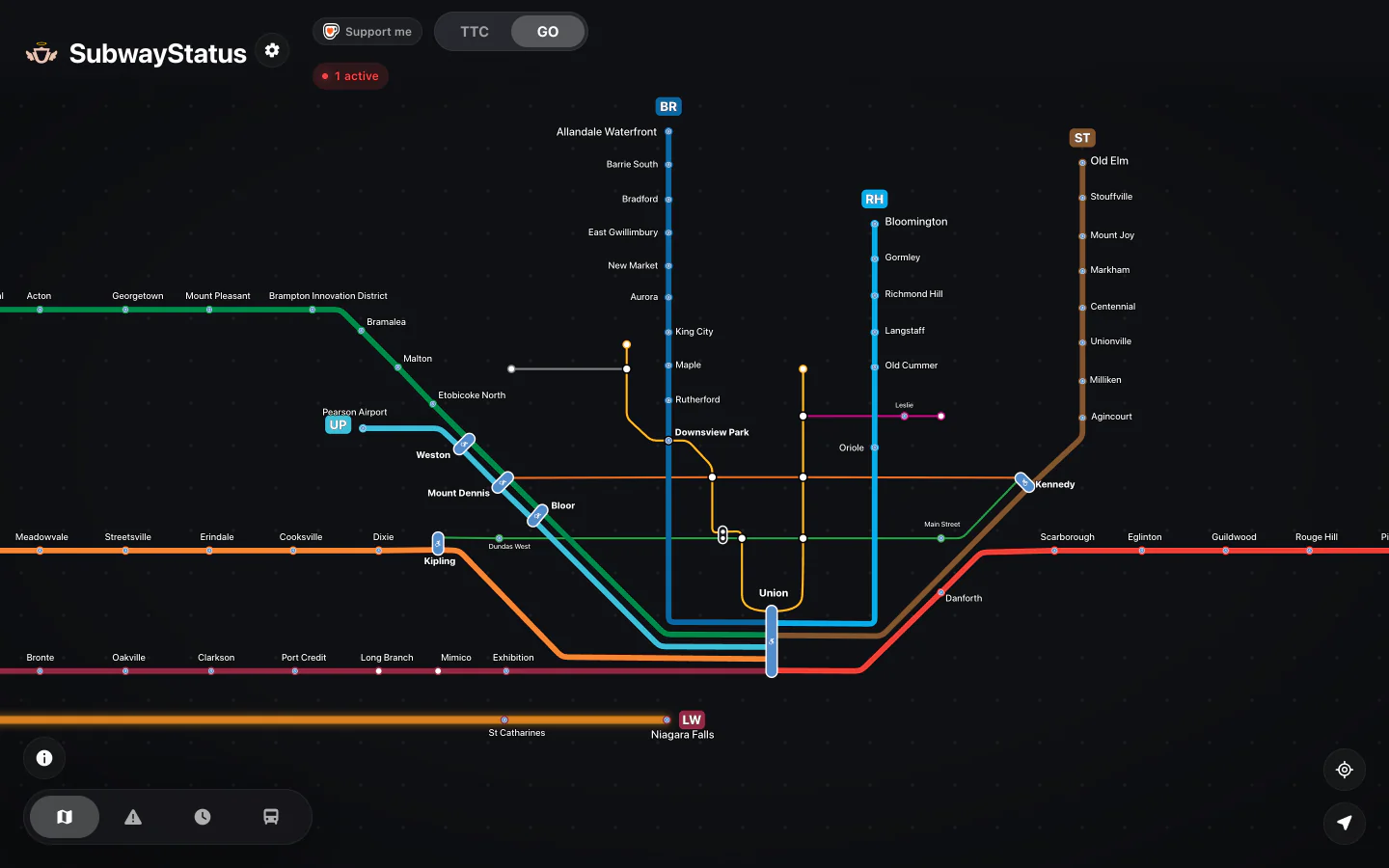
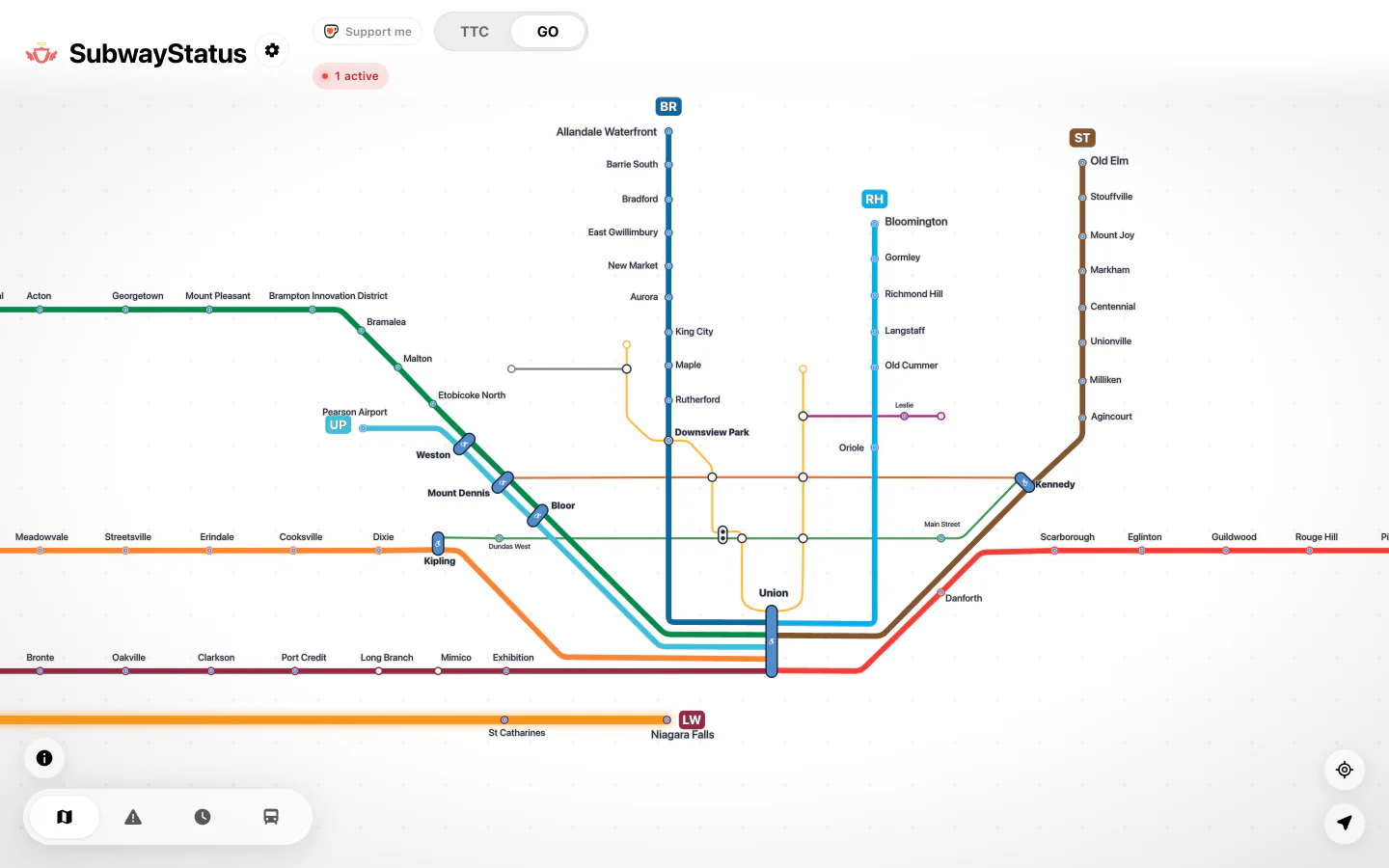
Lines 1, 2 and 4, plus Line 5 Eglinton and Line 6 Finch West. Disruptions sit on the exact stretch they affect, down to the direction.
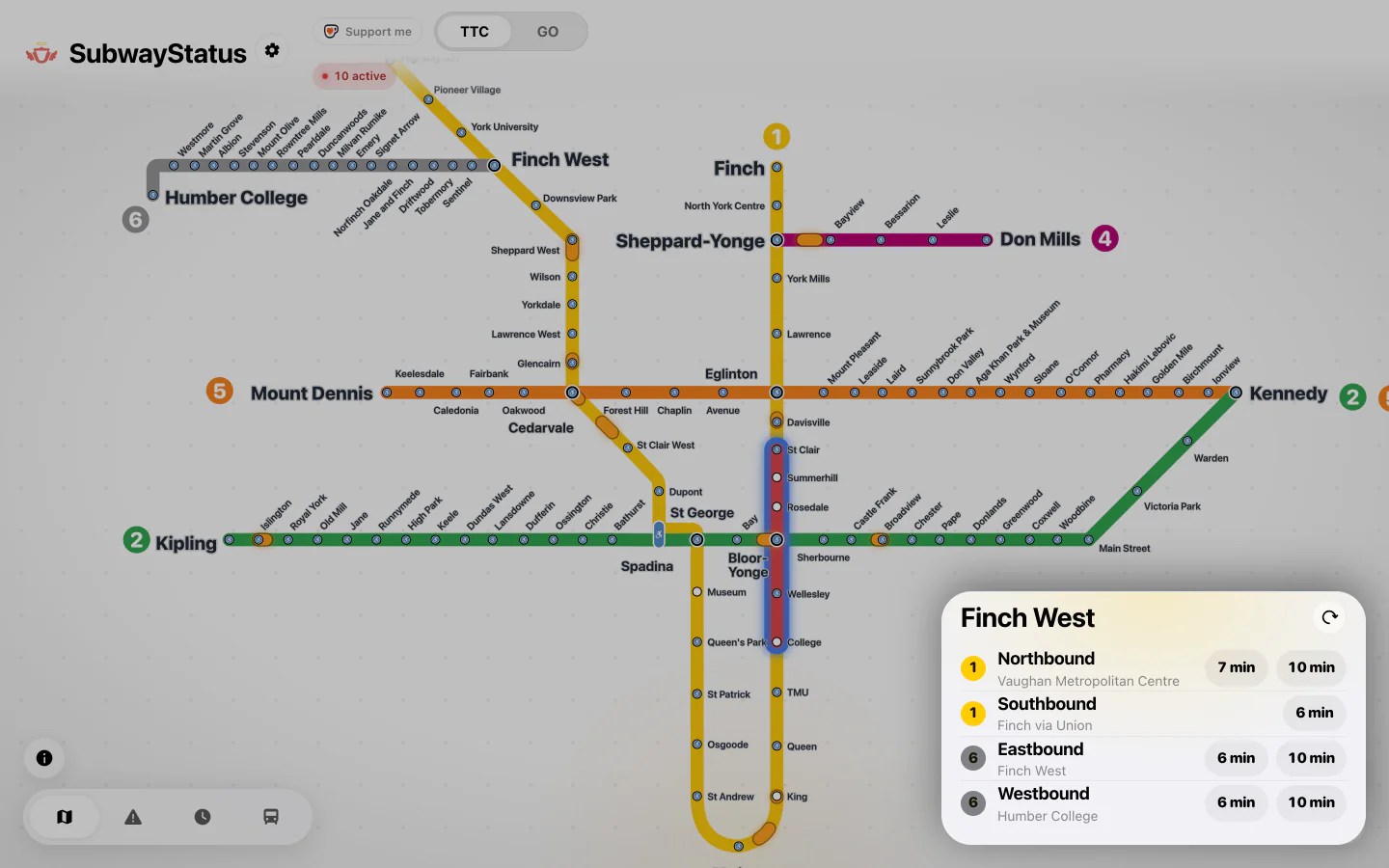
Real-time subway arrivals for each direction, and GO departure boards, a tap away. The buses and streetcars that stop there are listed too.
Every active alert as a card: delay, suspension or shuttle buses running. Tap a line chip to see only yours.
The GO rail network and UP Express on their own map, with live GO departure boards. The GO page
TTC buses and streetcars, GO buses, YRT and Brampton Transit move live on the map, with predictions at every stop. Watch the 501 come along Queen.
Planned weekend and overnight closures in their own Upcoming tab, with dates, times and the stretch affected.
Save the trips you take, then point the widget and notifications at them, so they cover just the stations you ride.


05 — At a glance
A countdown to your next departure, on your Lock Screen and in the Dynamic Island.
Alerts on the lines you choose, right on your Home Screen.


Get a notification when a disruption starts on the TTC, GO or both, and another when a suspension ends. With Pro, narrow them to the stations in My Routes.
06 — For every trip
The live map’s Alerts panel lists stations with an elevator or escalator out, so you can plan a step-free trip.
Delays turn cyan and suspensions magenta, so they stand out on every line.
An outline around every disruption on the map, for extra definition.
The last known state stays on screen when you lose signal between stations.
Follows your iPhone’s appearance, or pick one in Settings.
Flip the switches the way you would in Settings.


Drag to compare.
SubwayStatus Pro
Pro is a one-time purchase, not a subscription. Save your commutes in My Routes and alerts narrow to the stations you actually ride, on your widget and in your notifications.
Pro is an in-app purchase in the iPhone app. With the app closed, notifications cover the whole line and narrow to your routes once you open it.
07 — Get it
Same live map either way.


Web · Free · Now
The map, alerts, station arrivals, upcoming closures and live buses in any browser, laid out for your phone or your desk. Want it on your Home Screen without the app? There’s a free Scriptable widget for iPhone.


iPhone · BetaiPhone
The native app, built with Apple’s Liquid Glass design, with Live Activities, a Home Screen widget and disruption notifications. Try it today through Apple’s TestFlight.
App Store — coming soon
New to TestFlight? It’s Apple’s free beta app — the invite link walks you through it.